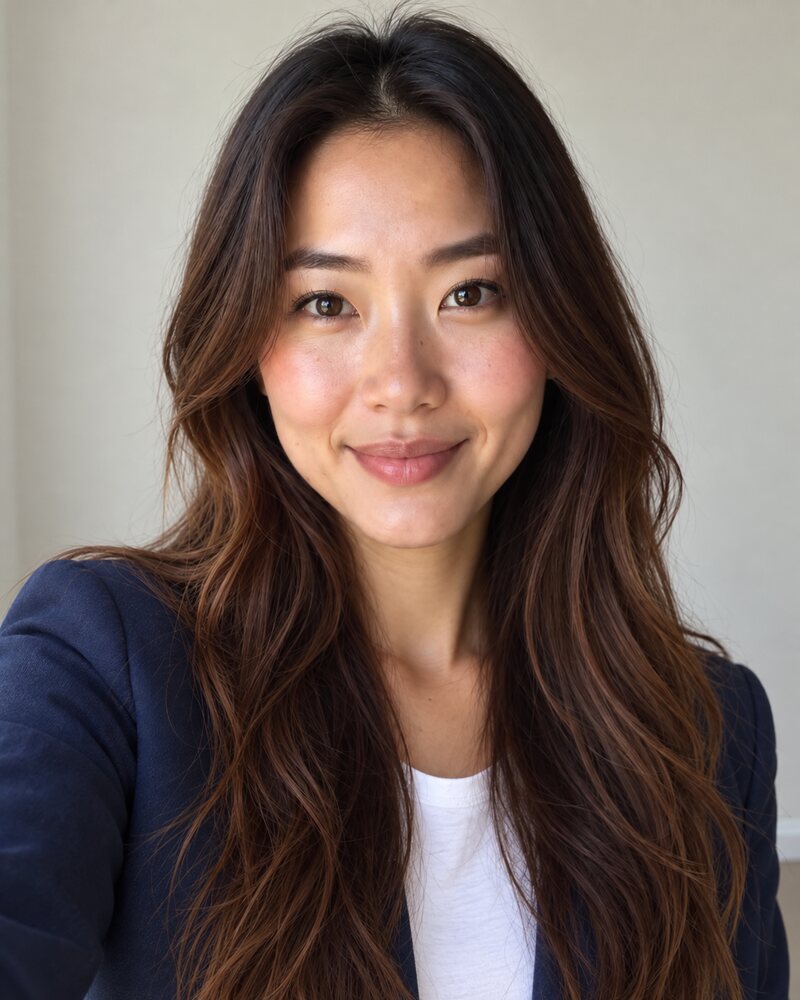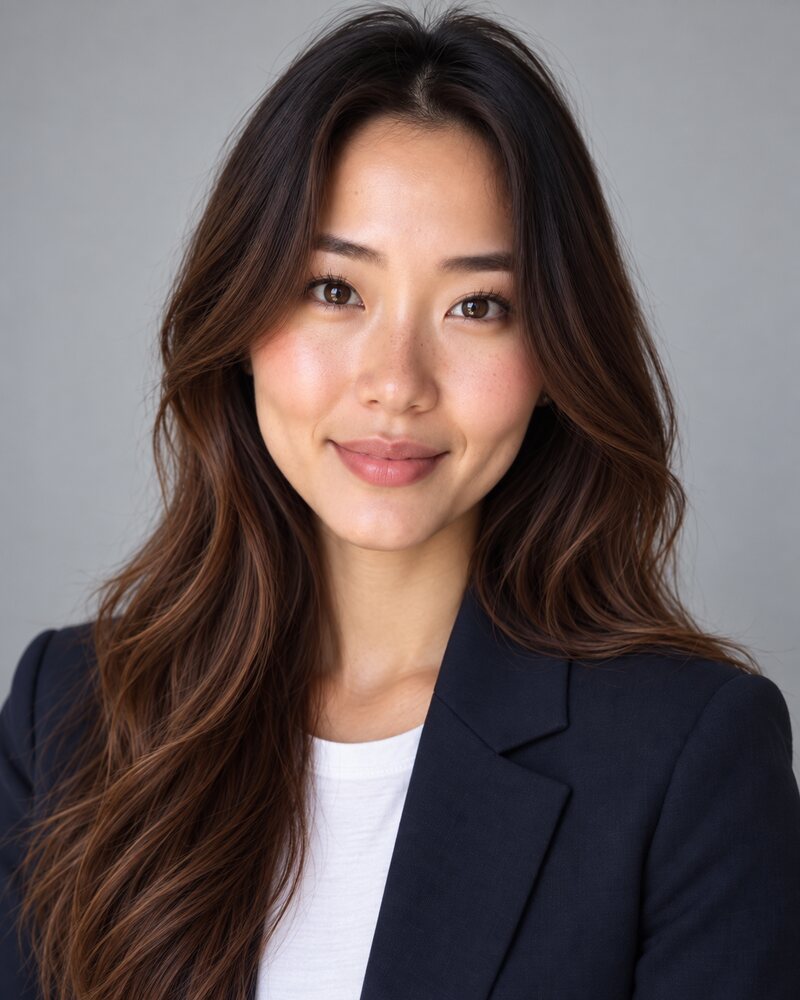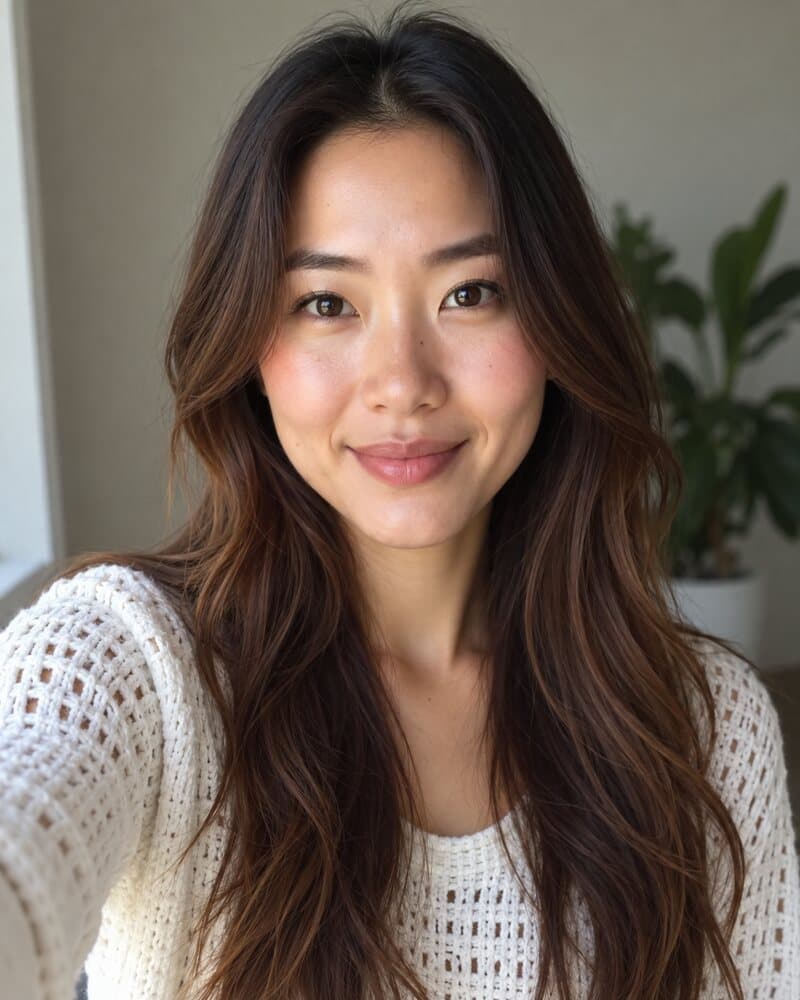
The short version
- A headshot is a head-and-shoulders photo with even light, a clean background and your eyes on the camera. Its job is recognition, not art.
- Wear solid colours one step smarter than a normal workday, turn your shoulders slightly, and use a plain light background unless the setting says something about your work.
- LinkedIn needs a photo of at least 400 × 400 pixels. The standard printed headshot for acting and casting is 8 × 10 inches, which is 2400 × 3000 pixels at 300 dpi.
- You can hire a photographer, take it yourself by a window, or generate it from a selfie. The right route depends on where the photo will be used.
What a professional headshot is
A professional headshot is a photo of your head and shoulders, taken to show clearly what you look like. The light is even, the background is plain or softly blurred, you are looking at the camera, and you are dressed the way you would be for work. People also call it a professional photo, a business headshot or a professional profile picture. They all mean the same thing.
It has one job: to let a stranger recognise you and decide at a glance that you look capable and easy to deal with. That is why headshots look alike. The format is a convention, like a handshake.
Where you need one
- LinkedIn and other professional profiles
- Company team pages and about pages
- Email signatures, chat apps, video calls and conference badges
- Speaker bios, bylines and press kits
- Business cards, listings and signs, if you sell a service in person
- A resume or CV, in countries where a photo is expected
Headshot vs portrait
A headshot is one kind of portrait, but the two words are not interchangeable. A portrait can be any crop and any mood, and it often includes the surroundings. A headshot is tight, neutral and functional.
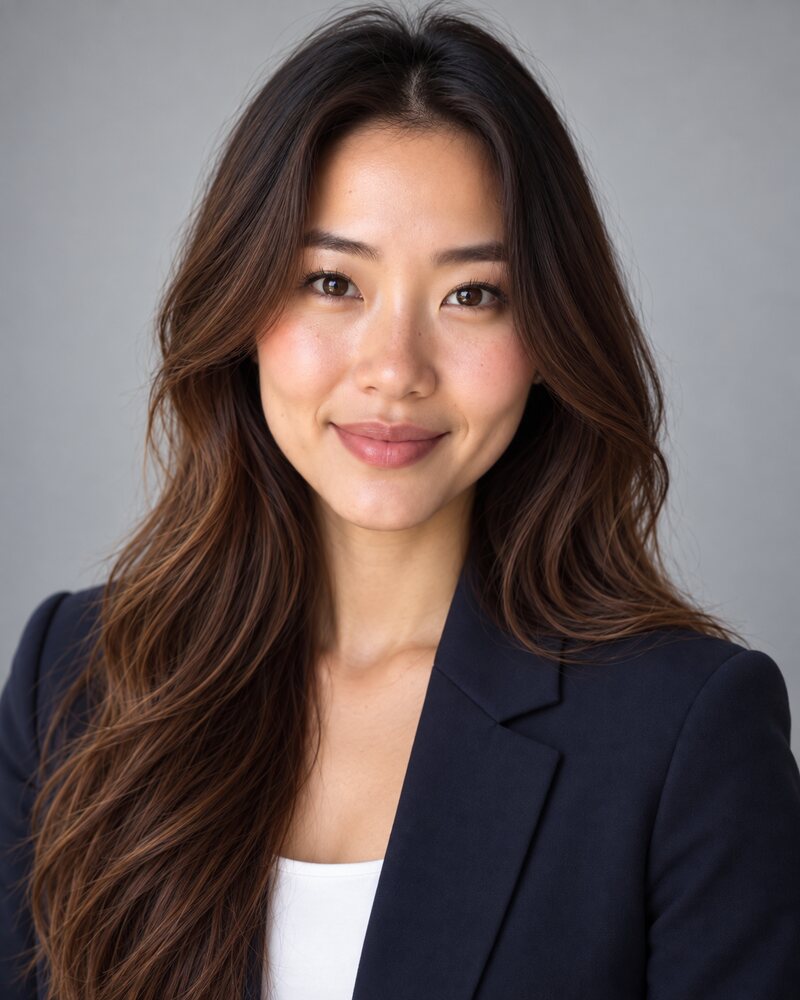
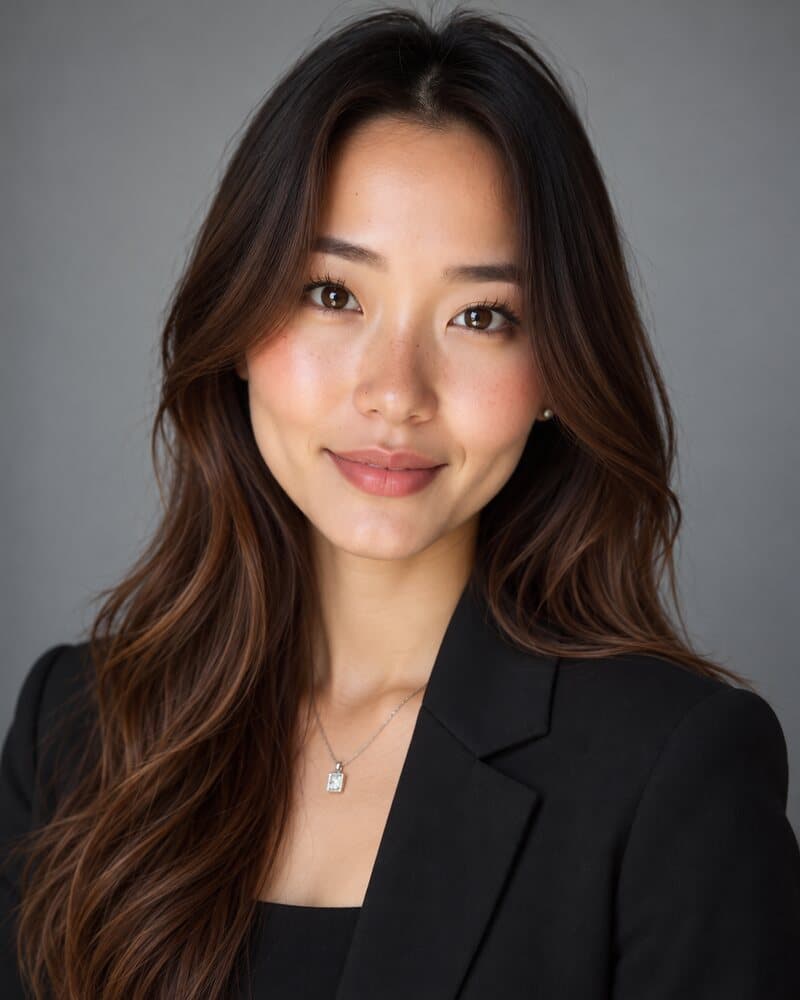
Headshot
Head and shoulders, plain background, eyes on the lens. Built to work small.
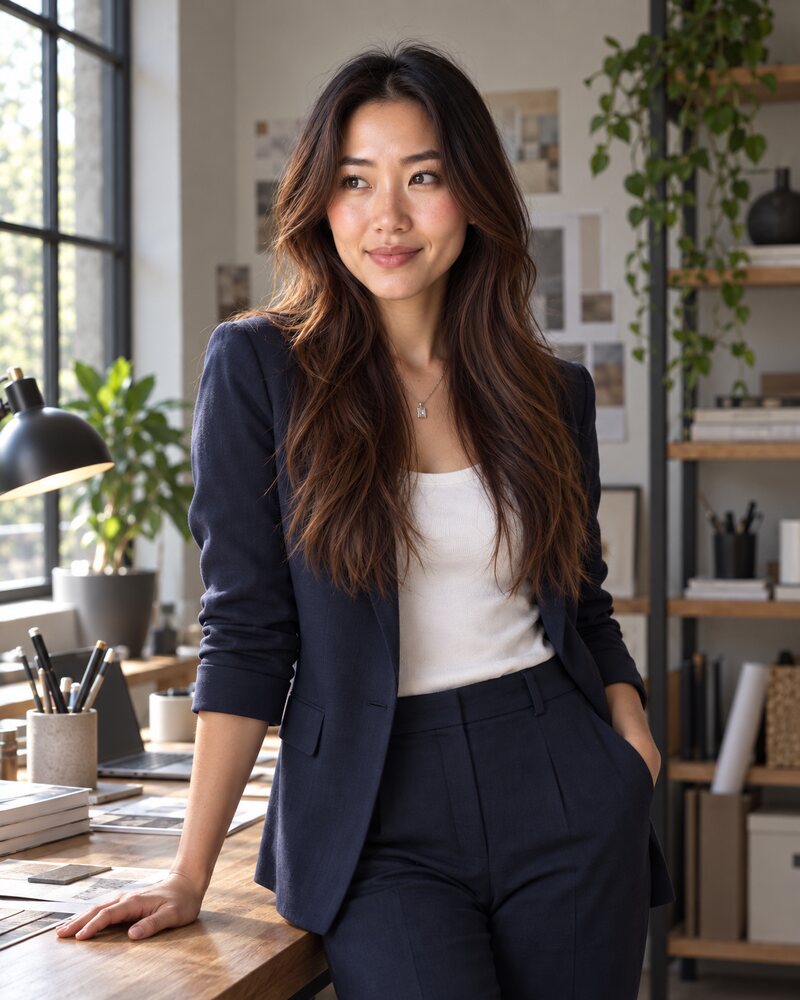
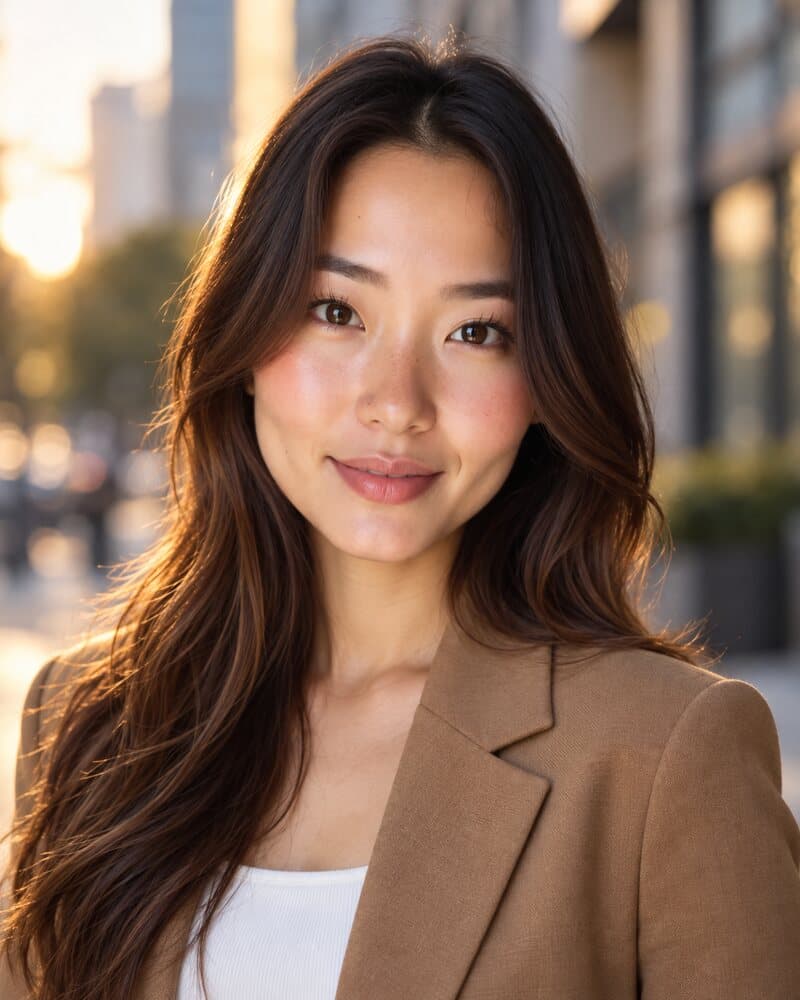
Portrait
Wider frame, directional light, a setting that tells you what she does.
| Difference | Headshot | Portrait |
|---|---|---|
| Crop | Head and shoulders, sometimes to mid-chest | Anything from the waist up to full length |
| Purpose | Show what you look like so people recognise you | Say something about who you are |
| Light | Soft and even, few shadows | Can be directional, dramatic or moody |
| Background | Plain or blurred | Often part of the story: a workshop, a desk, a street |
| Expression | Eyes to camera, approachable | Anything, including looking away |
| Typical use | Profile pictures, team grids, badges, bylines | About pages, features, banners |
A business portrait sits between the two: work clothes and a workplace setting, framed wider, often from the waist up. Use a headshot for small spaces such as profile pictures and team grids. Use a portrait where the photo has room, such as an about page or a magazine feature.
What makes a good professional headshot
Five things separate a headshot from a nice photo of you. None of them needs an expensive camera.
- Your face fills the frame. Crop from just above your hair to the top of your chest. LinkedIn's own advice is to have your face fill about 60% of the frame (LinkedIn Talent Blog, read in October 2026).
- The light is soft and comes from the front. A window or a softbox in front of you and slightly to one side. Not a ceiling light above you, and not a window behind you.
- Your eyes are sharp and on the lens. If the eyes are out of focus or looking at the screen instead of the camera, the photo fails.
- The background stays out of the way. Plain, or blurred enough that nobody reads it before they read your face.
- It looks like you do now. Same hair, same glasses, about the same age. A flattering photo that surprises people when they meet you has done the opposite of its job.
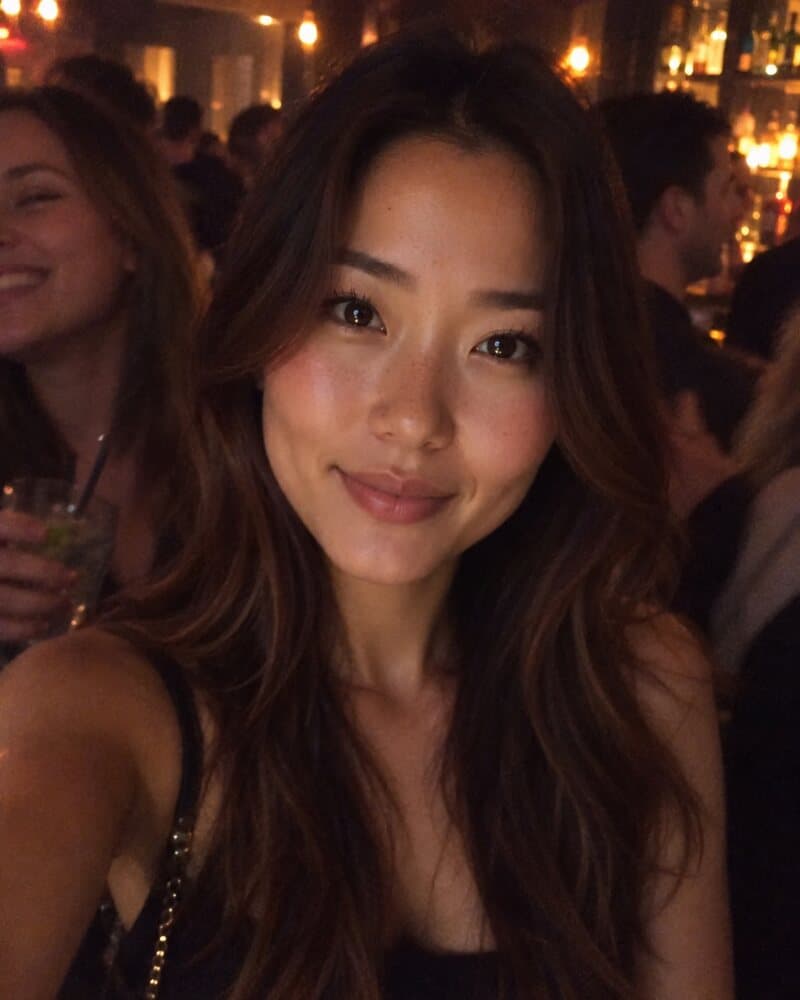 Example to avoid
A photo of you
Dark, orange light, strangers in the frame, and a strappy top that reads as a night out.
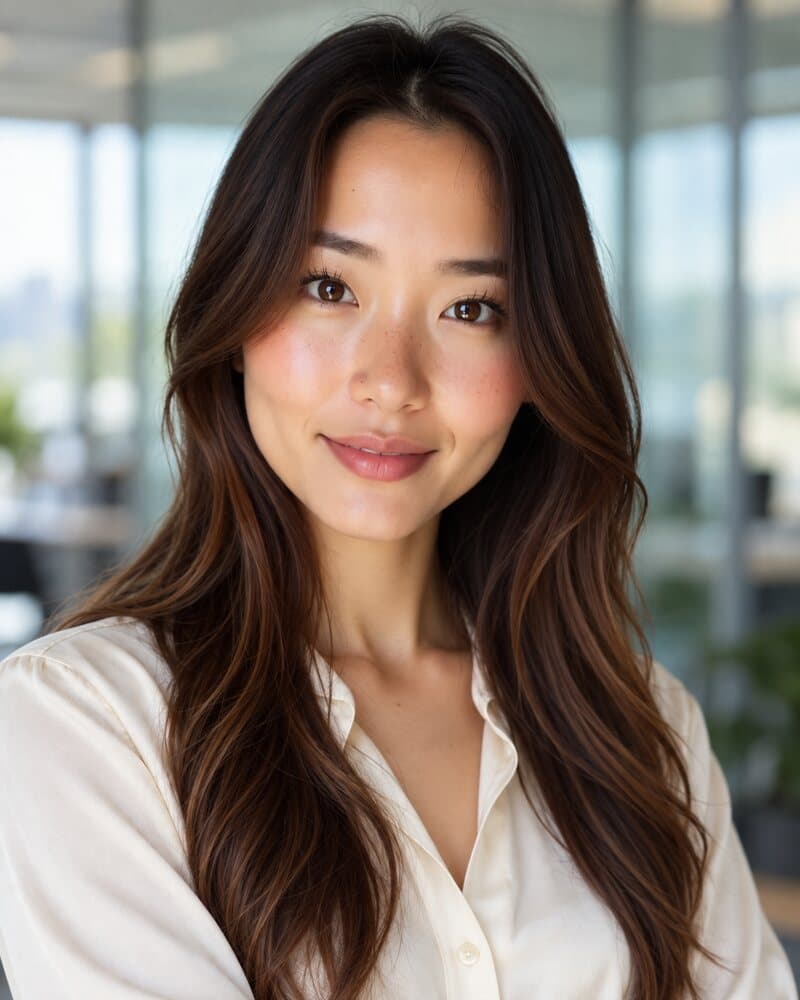 Good example
A headshot
Even window light, a calm background, work clothes, eyes on the camera.
Do
- Fill the frame from hair to upper chest
- Face the light
- Look into the lens, not at the screen
- Check the photo at thumbnail size before you use it
Don't
- Crop yourself out of a group or wedding photo
- Stand under a ceiling light or with a window behind you
- Wear sunglasses, a hat or a heavy filter
- Use a photo from five years ago
To see these rules applied, the headshot examples page groups photos by industry with a line on why each one works.
What to wear for a professional headshot
Dress one step smarter than a normal day in your job. Only the top third of the outfit is visible, so the collar, the neckline and the colour do all the work.
- Solid colours. Navy, charcoal, mid-blue, forest green, burgundy and cream all photograph well.
- No fine patterns. Thin stripes and small checks can shimmer on screens. Logos and slogans pull the eye away from your face.
- Contrast with the background. A dark jacket on a light wall, or a lighter top on a dark backdrop, so your shoulders do not melt into it.
- Some structure. A blazer or a collar gives the shoulders a shape. Soft knits work for relaxed industries.
- Small details. Keep jewellery modest, and iron whatever the camera can see.
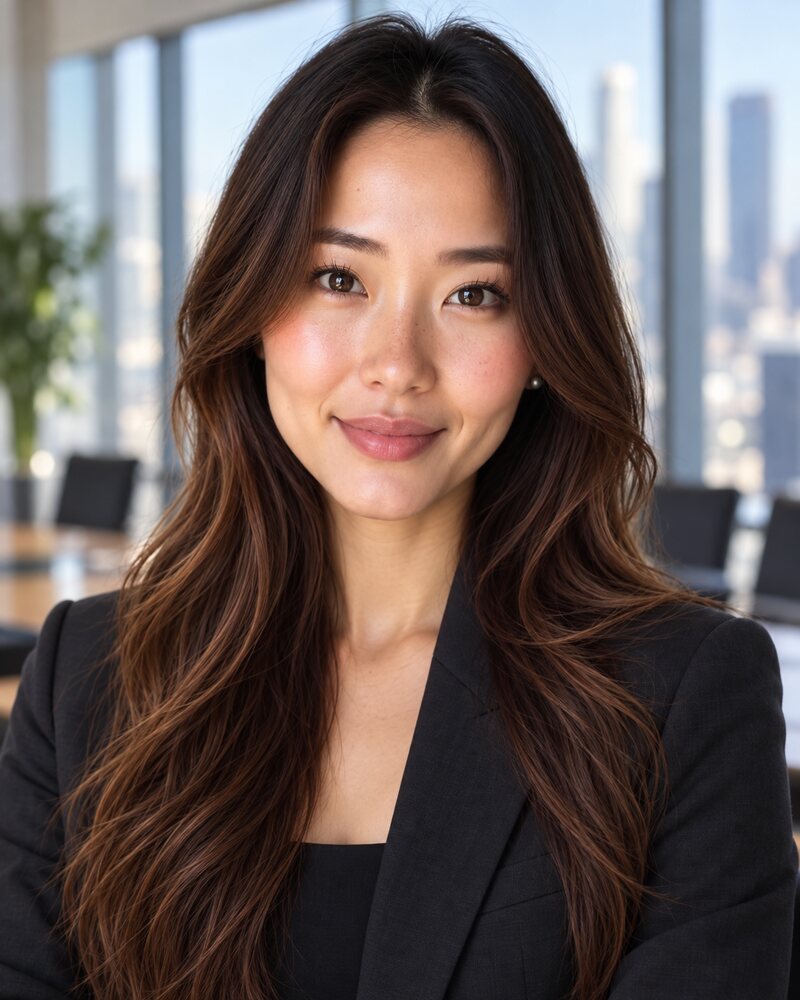
Formal
Dark jacket, dark top. Law, finance, leadership pages.
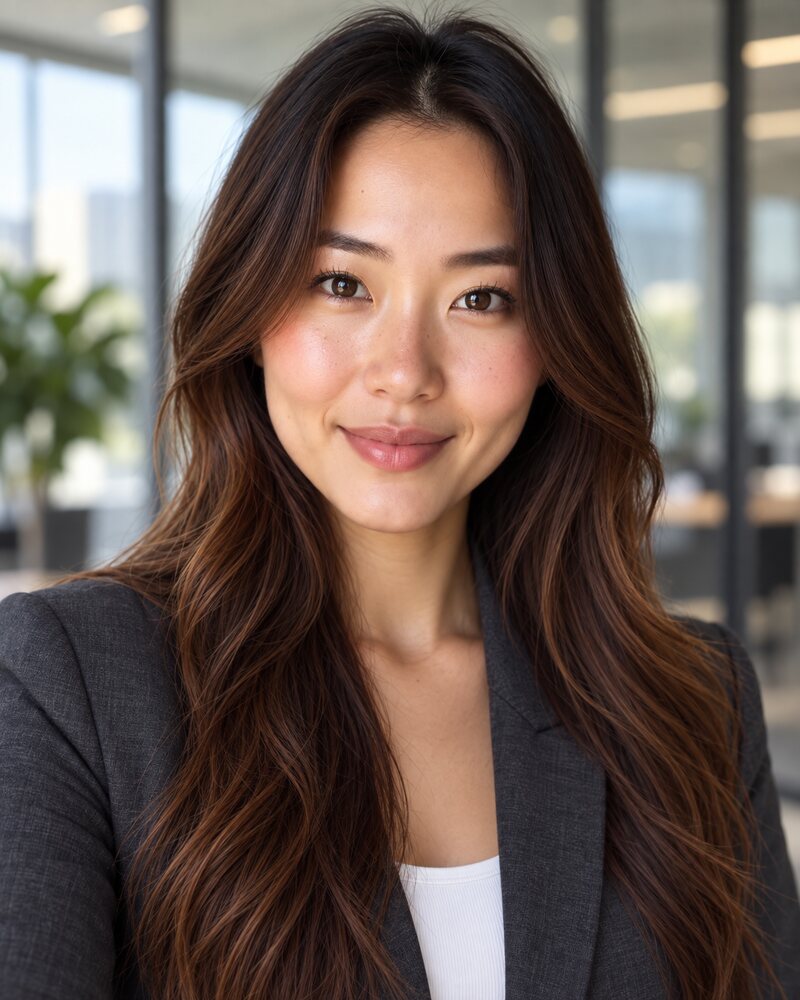
Business
Blazer over a plain top. Safe almost anywhere.
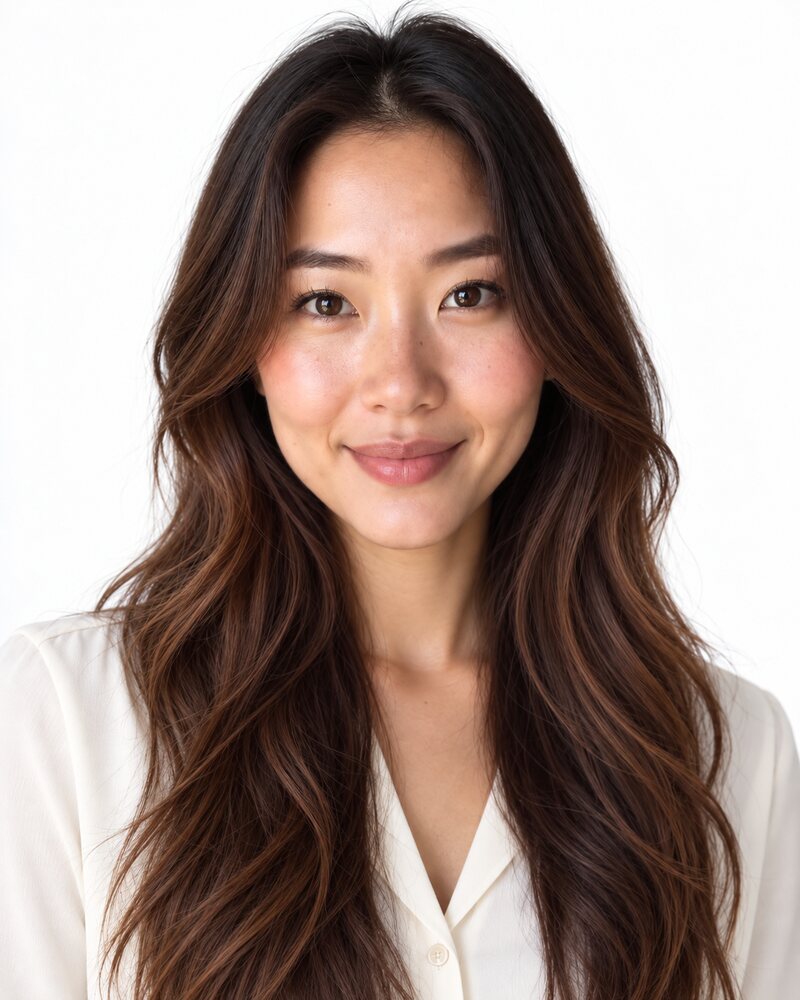
Smart casual
A blouse or shirt, no jacket. Clean and light.
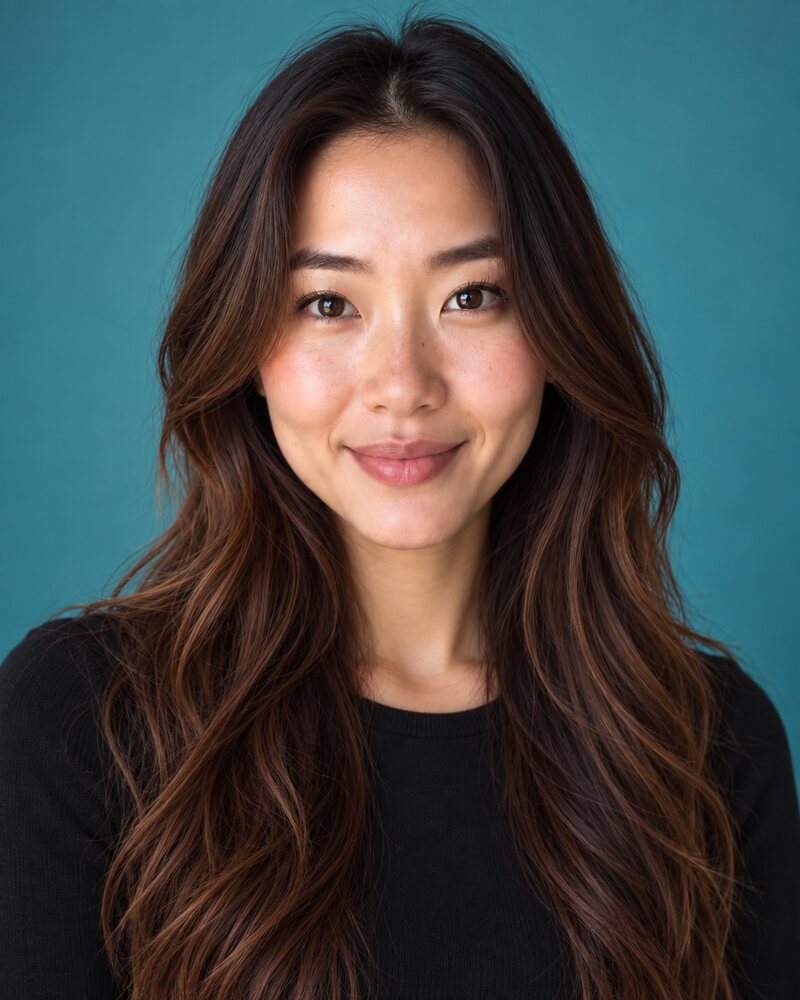
Casual
A plain knit. Tech, creative work, team pages.
The full guide to what to wear for headshots goes through outfits by industry and the colours to leave in the wardrobe.
How to pose for a headshot
Most stiff headshots have the same cause: raised shoulders and a lifted chin. The fix takes ten seconds.
- Turn your body about 30 degrees away from the camera, then turn your head back to the lens.
- Stand or sit tall, then let your shoulders drop.
- Bring your forehead slightly towards the camera and tip your chin down a touch. It feels odd and it defines the jawline.
- Keep the camera at eye level or just above. A low camera looks up your nose.
- Think of someone you like just before the photo is taken. A real half-smile reads better than a held grin.
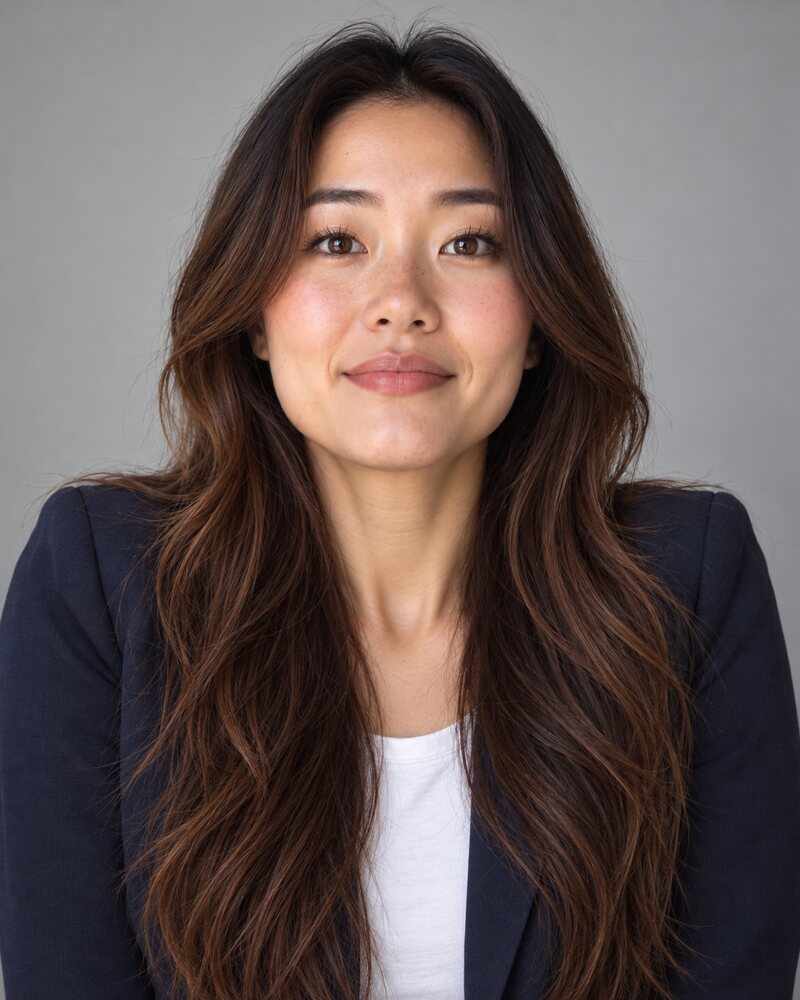 Example to avoid
Stiff
Shoulders raised, chin up, smile held. It reads like an ID photo.
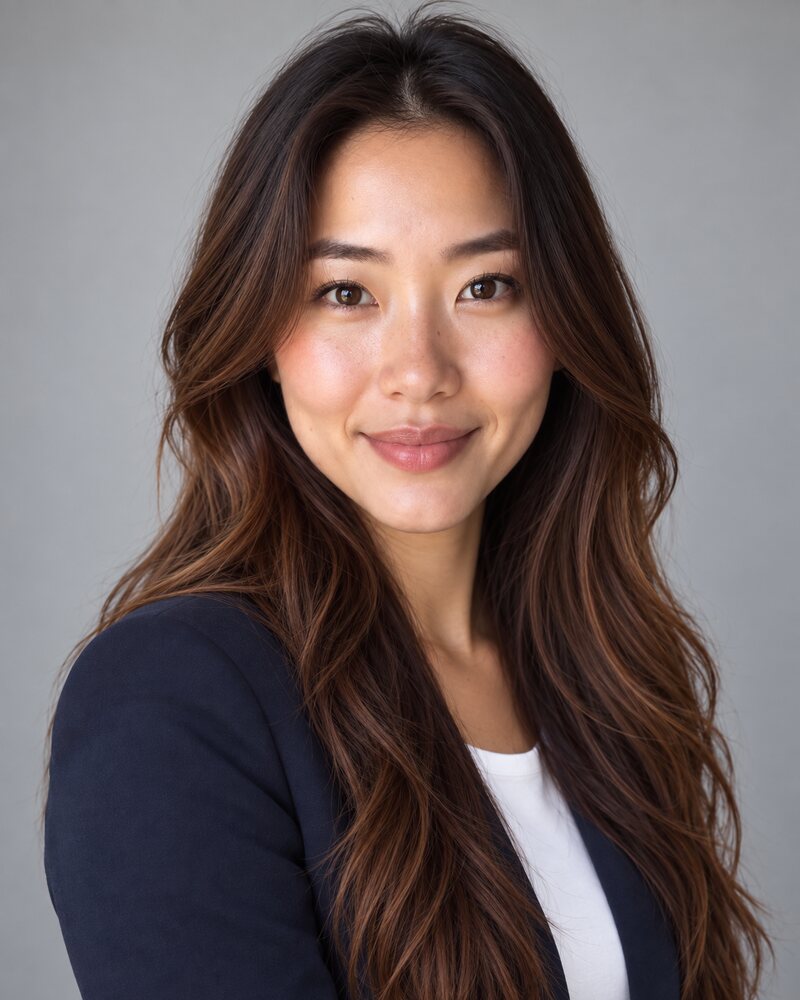 Good example
Angled and relaxed
Body turned, head back to the lens, shoulders down. Same person, same light.
There is more than one pose that works. The headshot poses guide shows each of them on the same person, including seated poses and what to do with your arms.
Which headshot background to choose
If you are not sure, choose light grey. It works with almost any outfit, it crops cleanly into a circle, and it does not date.
Move away from it when you have a reason:
- White for resumes and anything that will be printed on white paper.
- Charcoal or navy for a formal, senior look. Wear something lighter so you stand out.
- A blurred office when the photo is for a company website.
- Outdoors when your work is local or personal, such as real estate or coaching.
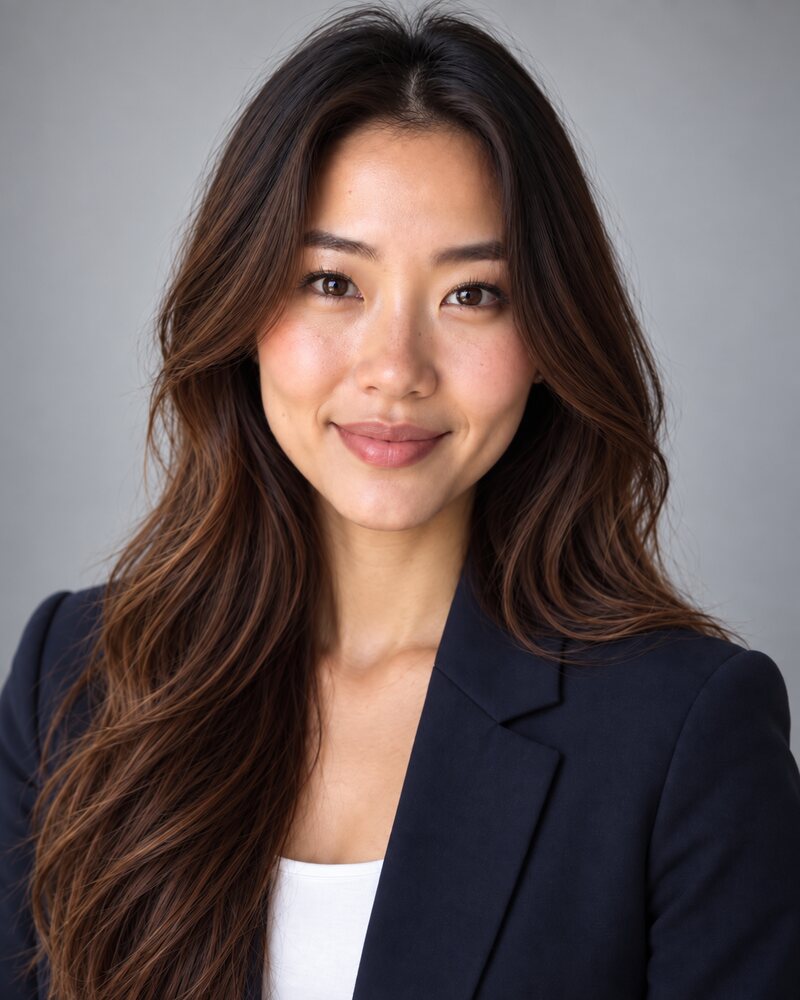
Light grey
The safe default.
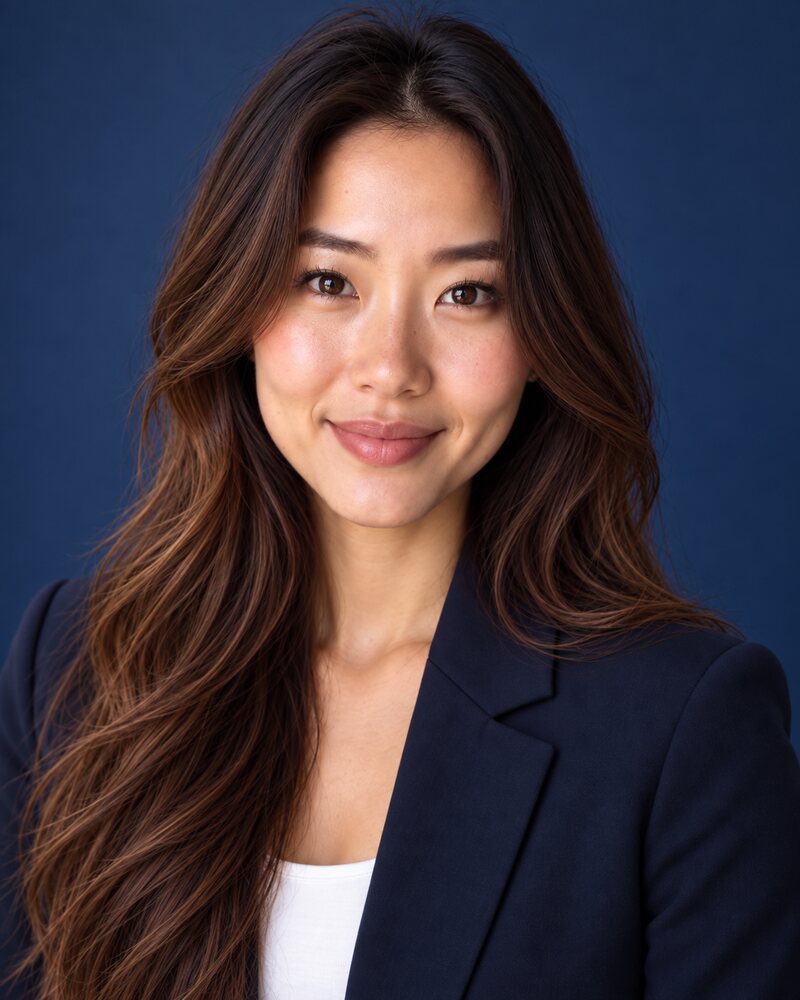
Navy
Formal. The dark jacket starts to blend in.
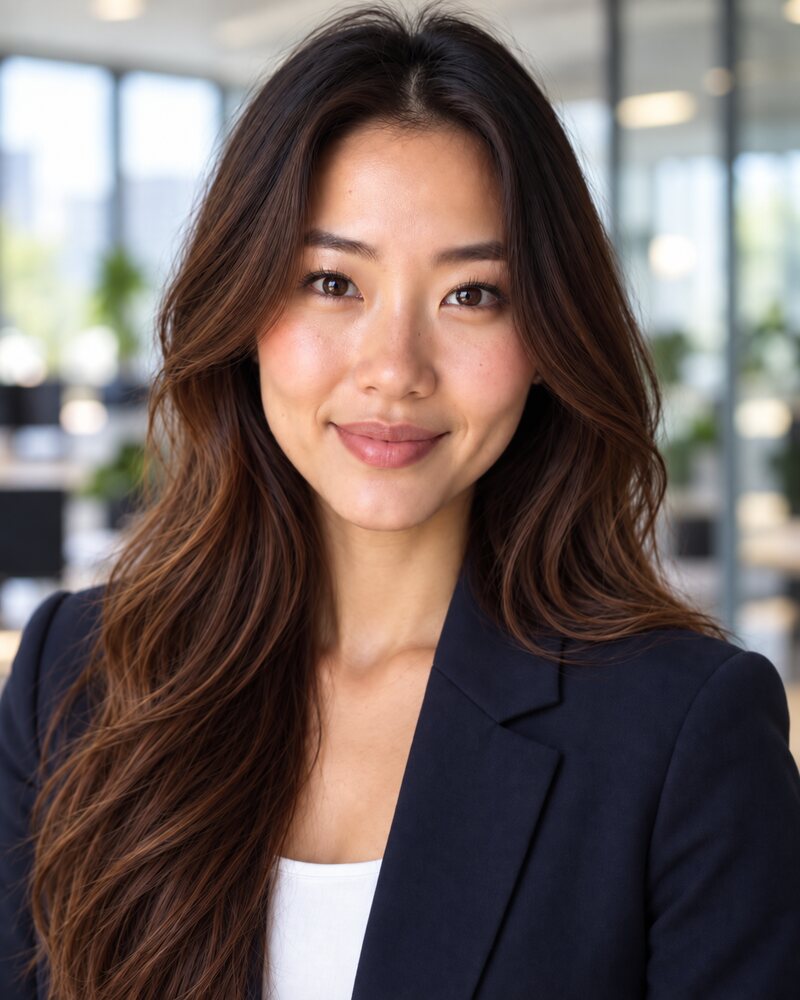
Blurred office
Says where you work without a logo.
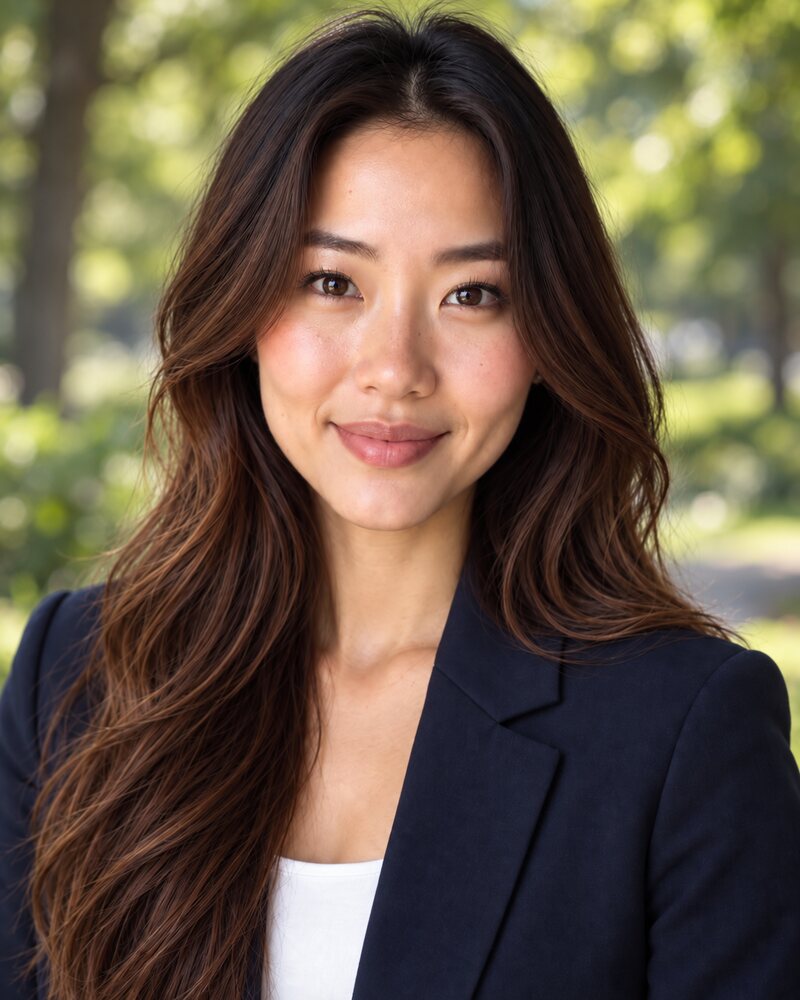
Park
Relaxed and local.
A team should pick one background and use it for everyone. The headshot backgrounds page compares twelve of them on the same person and lists which suits each industry.
Headshot sizes for LinkedIn, resumes, websites and print
There is no single headshot size. Take or generate the photo as a tall rectangle with some space around your head, keep that full-size original, and crop a copy for each place it goes.
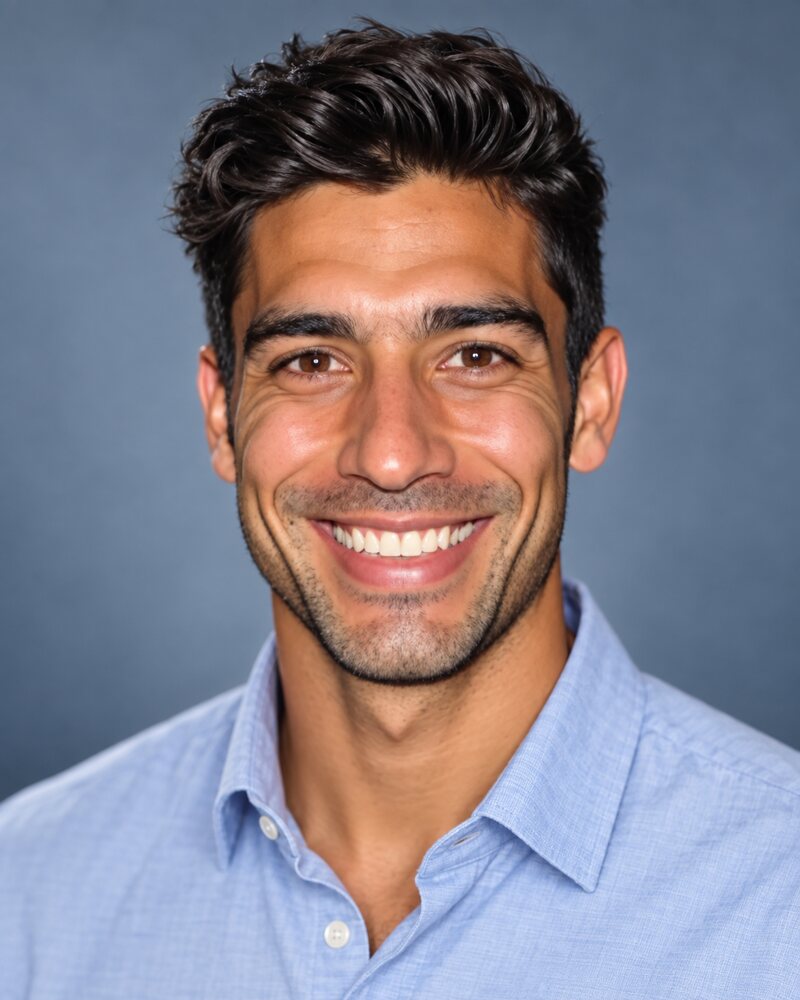
Original
4:5. Keep this file.
Square
What most sites ask for.
Circle
Common on profiles.
Thumbnail
Next to a comment.
| Where | Shape | File to upload | Worth knowing |
|---|---|---|---|
| LinkedIn profile photo | Square is the safe choice | 400 × 400 px minimum, 7680 × 4320 px maximum, up to 8 MB, JPG or PNG | Aim for your face to fill about 60% of the frame |
| Slack profile photo | Square | 512 × 512 px minimum, 1024 × 1024 px maximum | Use the same photo as LinkedIn so colleagues recognise you |
| Resume or CV | Portrait or square | No standard. Follow the template or the application form | It prints small, so crop tight and keep the background plain |
| Company website | Set by the page design, often square or 4:5 | Send the largest file you have and let the web team resize it | Leave space around your head so it survives either crop |
| Print, 8 × 10 inches | 4:5 portrait | 2400 × 3000 px, which is 300 dpi at that size | The standard printed headshot, used for casting |
The LinkedIn limits are from LinkedIn Help, the Slack limits from Slack Help, and the print size from Photography Shark, all read in October 2026. Platforms change these, so check the upload screen if a file is rejected.
Two rules cover everything else. Shrinking a large photo costs nothing, but enlarging a small one makes it soft. And profile pictures are shown small, so keep your face in the centre and look at the result at thumbnail size before you save it.
What a headshot costs and three ways to get one
There are three ways to get a professional headshot. They suit different needs.
| Route | Cost | Time | Choose it when |
|---|---|---|---|
| Photographer | Usually $216 to $427 in the US, with published prices from about $89 to $1,500 | A booking, a session, then a wait for the edits | The photo will be printed large or used in press, or you want someone directing you |
| Do it yourself | Free | Under an hour with a phone and a window | You have good daylight, a plain wall and a little patience |
| AI from a selfie | 5 free credits, then from $9.99 for 20 credits | About a minute per photo | You need it today, or want to try outfits and backgrounds without a reshoot |
Hire a photographer
This gives the best result and costs the most. Thumbtack puts the US average for professional headshots at $304, with most prices between $216 and $427 (Thumbtack's 2025 price guide, read in October 2026). The full range is wider: HeadShots Inc, a San Francisco headshot studio, puts professional headshots at $89 to $1,500 depending on location, package and provider, and notes that retouching can be charged per photo on top (HeadShots Inc, read in October 2026).
Book one when the photo will be printed large or sent to the press, when you are an actor or model and casting needs a true likeness, or when you want a person to direct you. See how much headshots cost for what drives the price.
Take it yourself
Free, and good enough for most profiles if the light is right. Face a window, stand a step in front of a plain wall, and set the phone at eye level on a shelf or a stack of books. Use the rear camera with a timer, and take far more photos than you think you need. The step-by-step version is in how to take your own headshot.
Generate it from a selfie
An AI headshot generator takes one to three selfies and produces the studio version. You choose the outfit, background and lighting afterwards, by picking a style or describing the look in words. It is the fastest route, and the only one where you can change your mind about the jacket.
The limit is likeness. Keep the results that look like you on a normal day and discard any that flatter you into someone else.
Try the AI route before you pay
Headshots by profession
The basics above do not change with your job. What changes is how formal the outfit is and what the background says about your work.
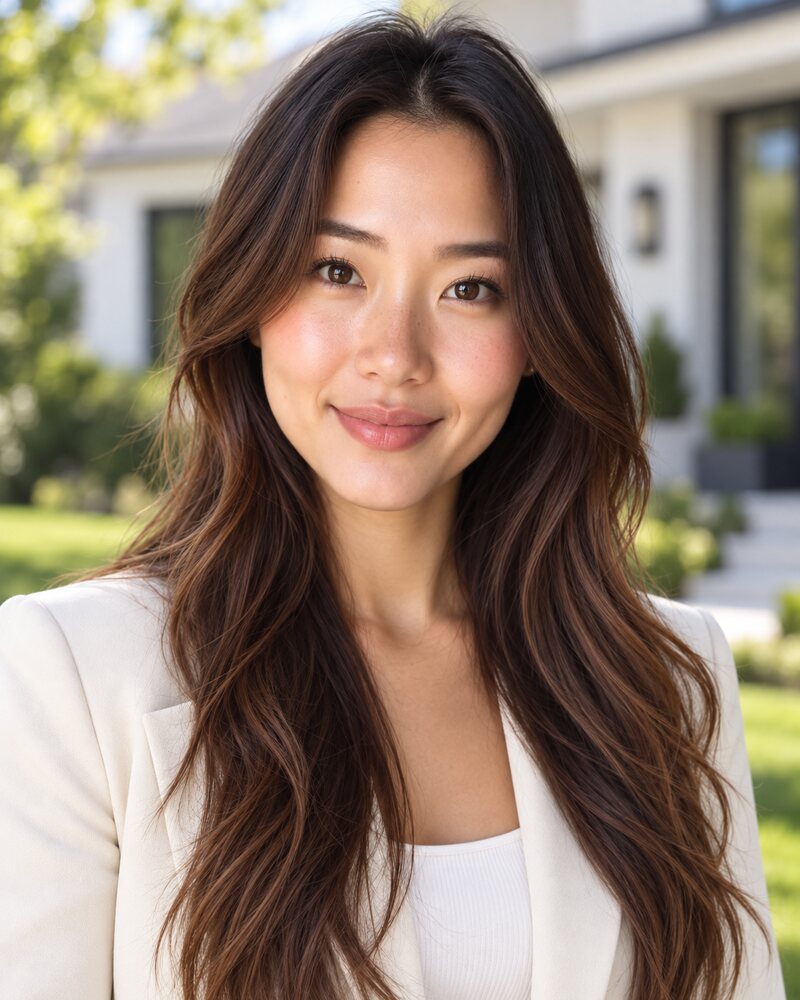
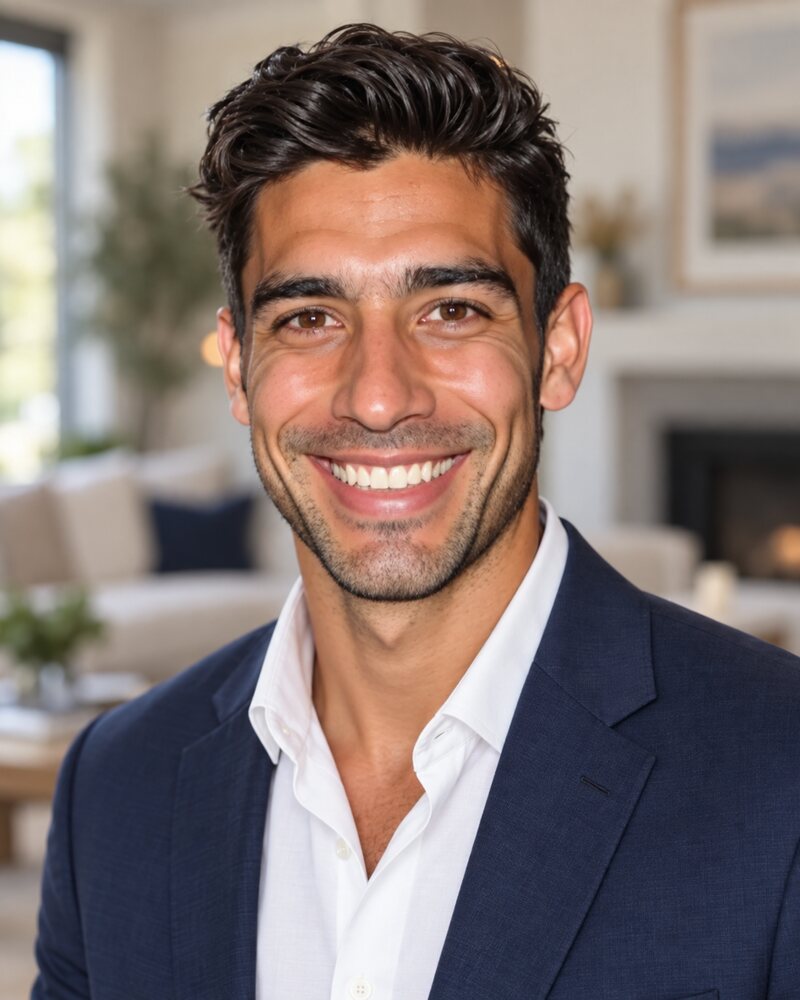
Real estate
A home behind you tells buyers what you do.
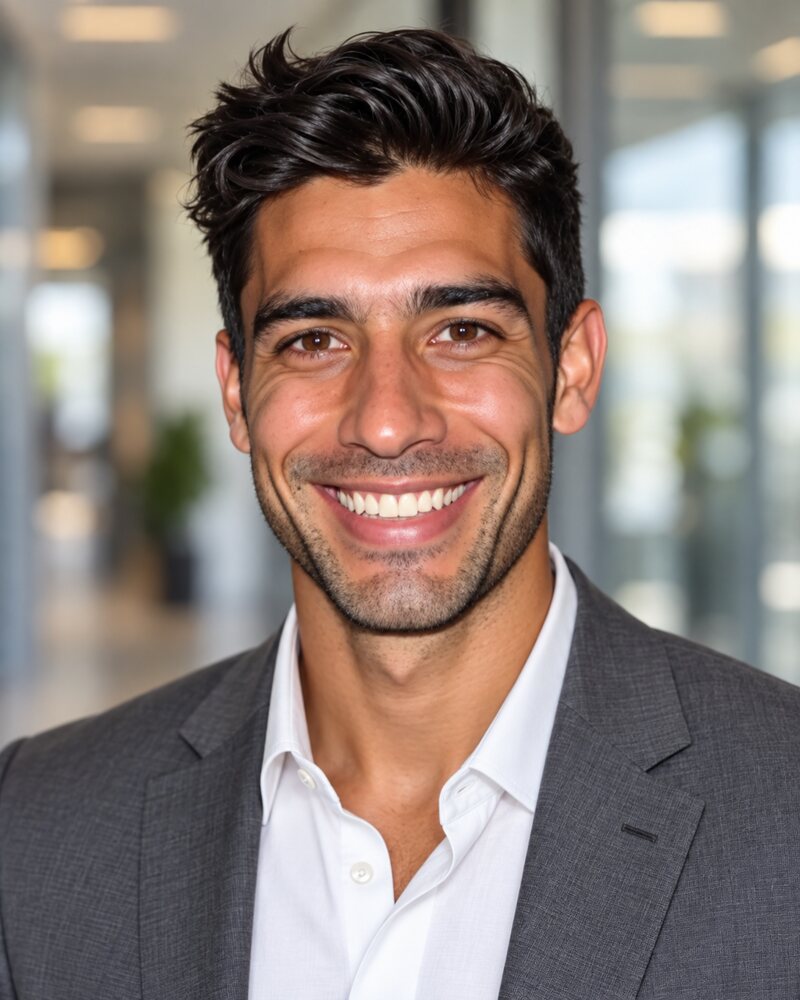
Corporate
Jacket, no tie, office behind.
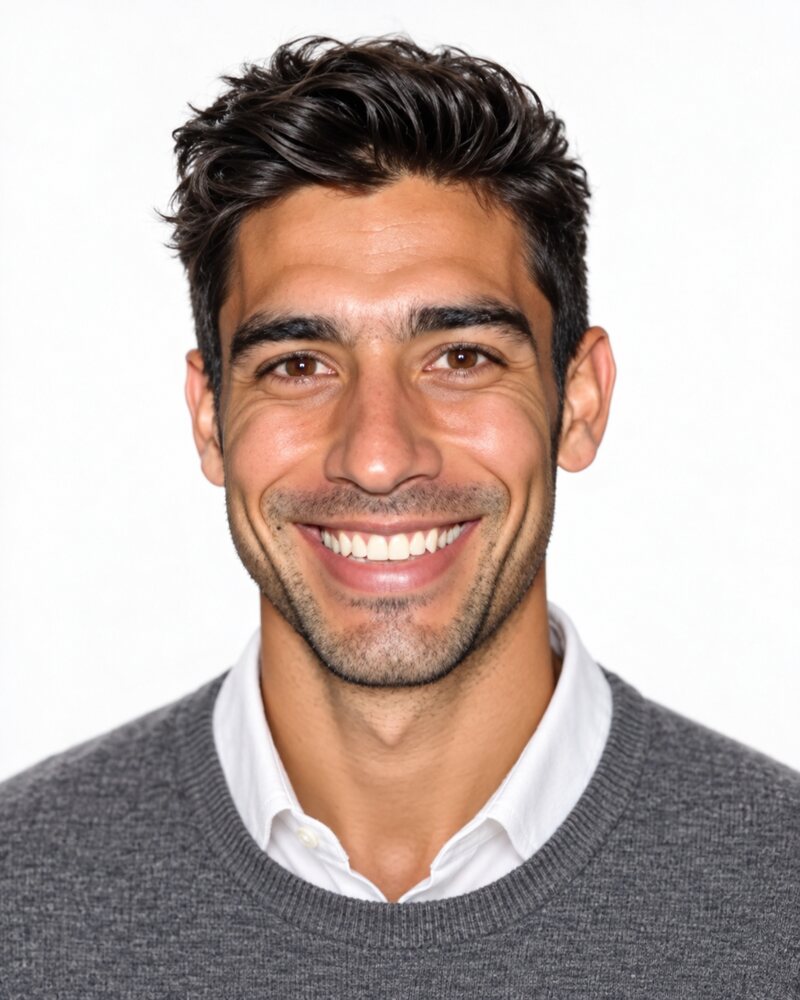
Resume
White background, straight on.
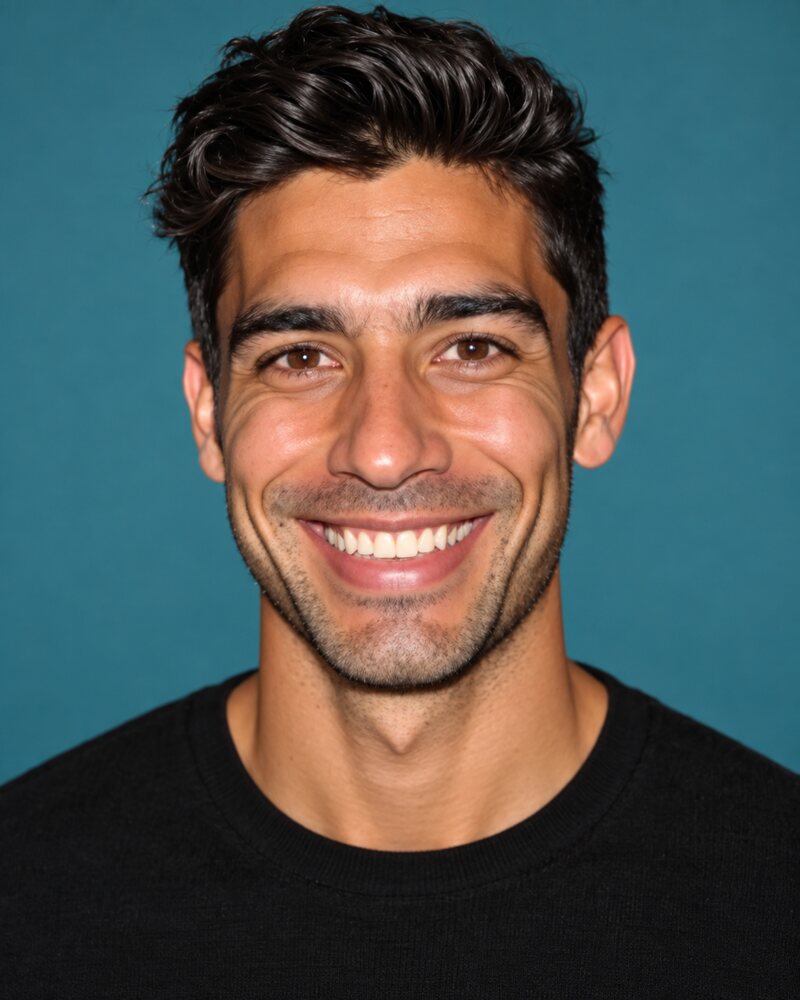
Team
One colour and one dress rule for everyone.
- LinkedIn headshots: a plain light background and a face large enough to read as a small circle.
- Corporate headshots: a blazer, a blurred office or a neutral backdrop, matched across the company.
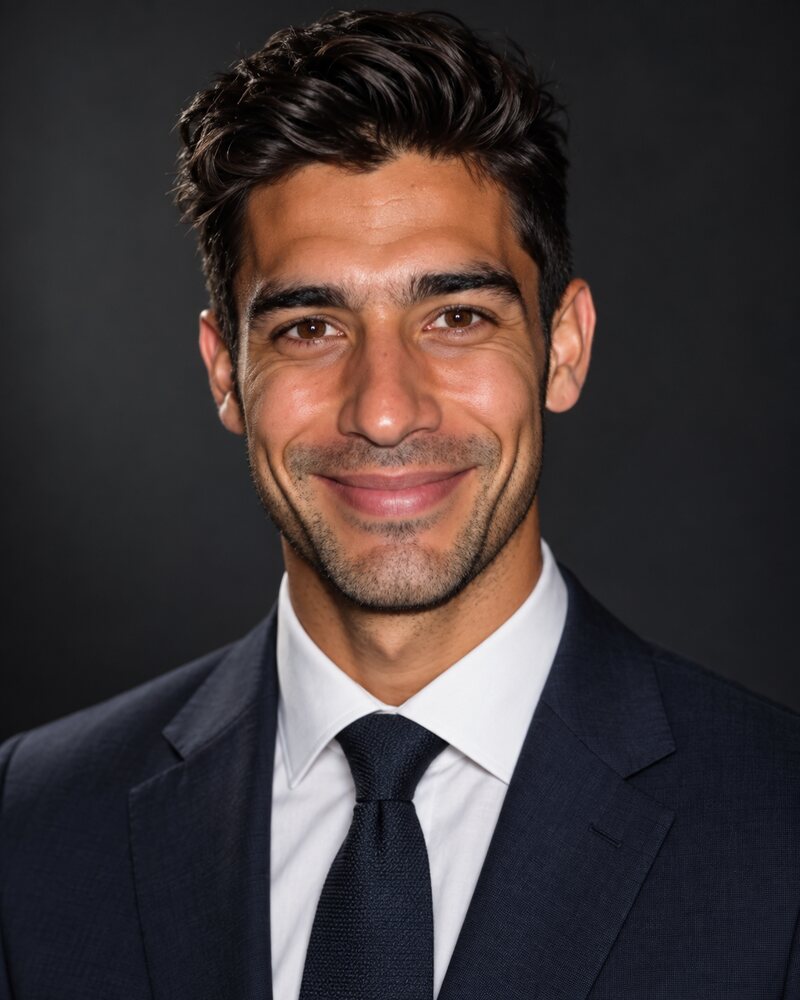
- Executive headshots: a dark jacket, a dark backdrop and a calm expression.
- Real estate headshots: a warm smile with a home or a leafy street behind you.
- Team headshots: the same background, crop and dress rule for every person.
- Resume photos: a white background, a simple top, and a check on whether employers in your country expect a photo at all.
- Lawyer headshots: a dark suit, a plain backdrop, and a crop that matches the rest of the firm's attorney page.
- Doctor headshots: a white coat or plain scrubs on a light background.
- Therapist headshots: soft light, calm colours and a relaxed smile for a directory profile.
- Author headshots: a mood that fits the genre, in plain clothes that will not date.
- Teacher headshots: business casual in a solid colour on a plain light backdrop.
All of them are listed on the headshots page, and the styles library shows the looks you can generate.