
 Free · No sign-up
Rate my LinkedIn photo
Upload your profile picture. A recruiter, a hiring VP, a buyer, and a presence coach score it on six checks and tell you exactly what to fix.
I'm aiming for
UploadDrop your LinkedIn photo
Your current profile picture or the one you plan to use. Straight from your camera roll, or just paste it.
Analyzed in memory. Never stored, published, or used to train AI.
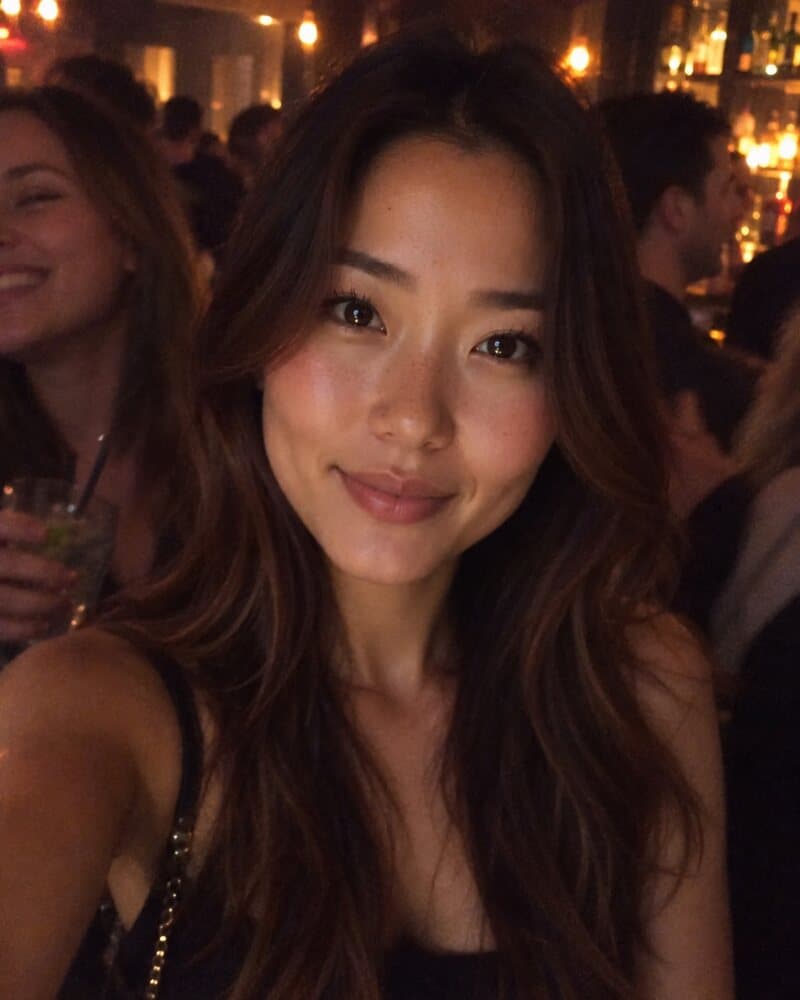
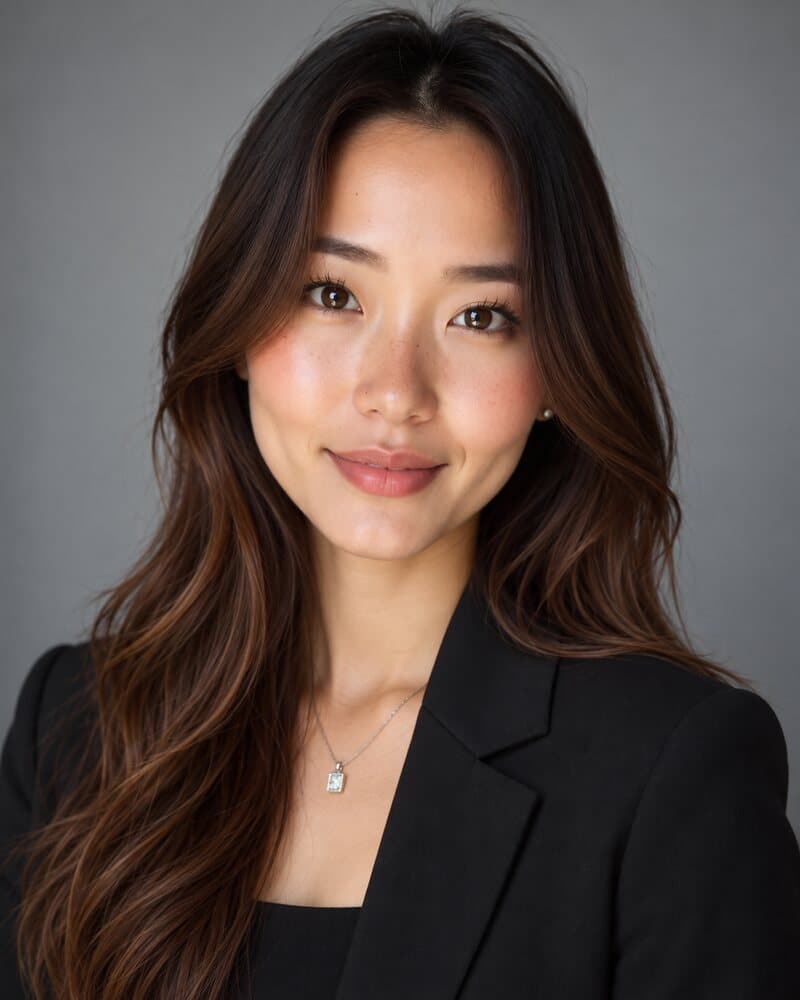
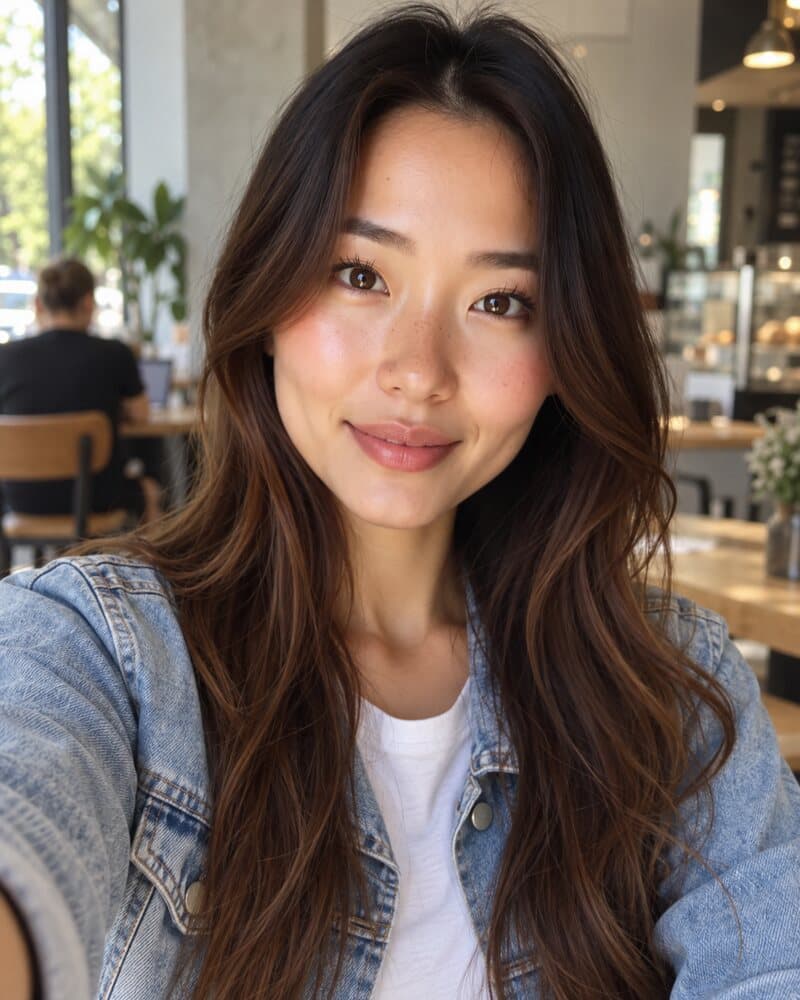
See your photo the way a recruiter does
From the photo you have now to a clear list of fixes in about 20 seconds.
Step 1
Upload your photo
Drop in your current LinkedIn photo, or the one you're thinking of using. Pick the role you're aiming for.
Step 2
Get scored by the panel
A photographer scores six checks from 0 to 100. A recruiter, a hiring VP, a buyer, and a coach say whether they'd click.
Step 3
Fix it or replace it
Fix it yourself with three concrete changes, or create a studio headshot of you in the style that fixes it.
On LinkedIn, your photo is a small circle first
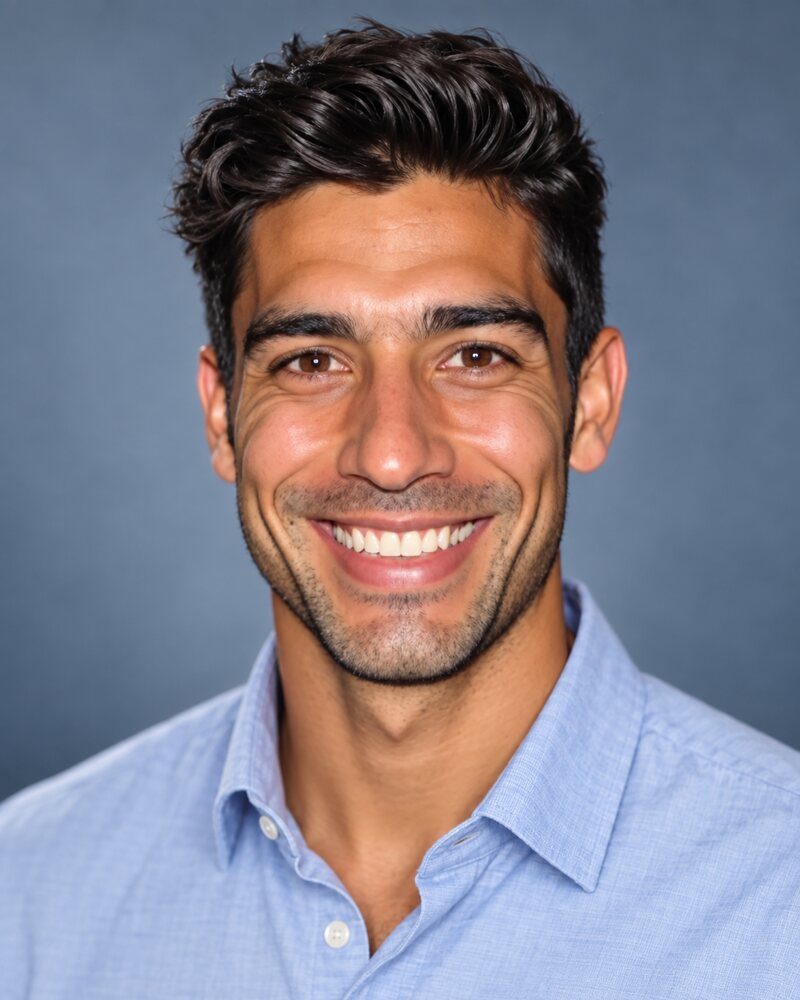
Before anyone reads your headline, they see your photo cropped to a circle and shrunk to thumbnail size. That's the size it has to work at.
The corners are gone
LinkedIn shows your photo as a circle, so the corners of a square photo never appear. A raised hand, a logo, or the top of your head near the edge gets cut off.
Small sizes punish detail
Next to a comment or in a list of search results, your photo is a few dozen pixels wide. A busy background turns to noise and a full-body shot shrinks your face to a dot.
One glance decides the click
Recruiters skim a column of circles next to names and headlines before deciding whose profile to open and who gets an InMail. A clear, well-lit face is the one that earns the click.
The six checks behind your score
Each check is scored from 0 to 100 for the role you pick. Your overall score is the average of the six.
Lighting & exposure
Even light on your face. Overhead office lights leave dark eye sockets; a window behind you turns your face into a silhouette. Face a window instead.
Framing & eye line
Head and shoulders filling the circle, eyes in the upper third, camera at eye level. Full-body shots shrink your face to a dot.
Expression & trust
A relaxed smile that reaches your eyes, looking into the lens. A stiff passport stare reads cold; sunglasses read like you're hiding something.
Background
Plain or softly blurred. Cars, kitchens, bathrooms and the shoulder of a cropped-out wedding guest pull attention away from you.
Attire & role fit
Dress for the role you want. A suit reads right in finance and law, smart-casual in tech, warm business-casual in sales.
Image sharpness
Sharp focus on your eyes, no motion blur or heavy filters. An arm's-length selfie stretches your nose; ask a friend to step back and zoom in.
Meet the Recruiter & Buyer Panel
Different people open your profile for different reasons. Four AI evaluators react to your photo, so you see how it lands with each of them.
Tech Recruiter
“I scan hundreds of tiny circles a day. If I can't read your face, I don't send the InMail.”
Hiring VP
“Would I put you in front of my team and my boss? Your photo answers first.”
Enterprise Prospect
“Before I accept a connection request, I decide if you look like someone I can trust.”
Executive Presence Coach
“Posture, eye contact, and light decide whether you look ready for the next role.”
LinkedIn profile photo size and specs
What LinkedIn's own help page says, read on 2 October 2026, plus what keeps a photo sharp in the circle.
| Size LinkedIn accepts | Between 400 × 400 and 7680 × 4320 px |
|---|---|
| File type and size | PNG or JPG, up to 8 MB |
| Shape on your profile | A circle. Keep your head and shoulders inside it. |
| What we recommend | A square of at least 800 × 800 px, your face filling about 60% of the frame, eyes in the upper third, plain or softly blurred background. |
LinkedIn Help: adding a profile photo · Need to crop a photo to the circle? Use the free PFP maker
Frequently asked questions
How the analyzer works and what happens to your photo.
No good photo to fix?
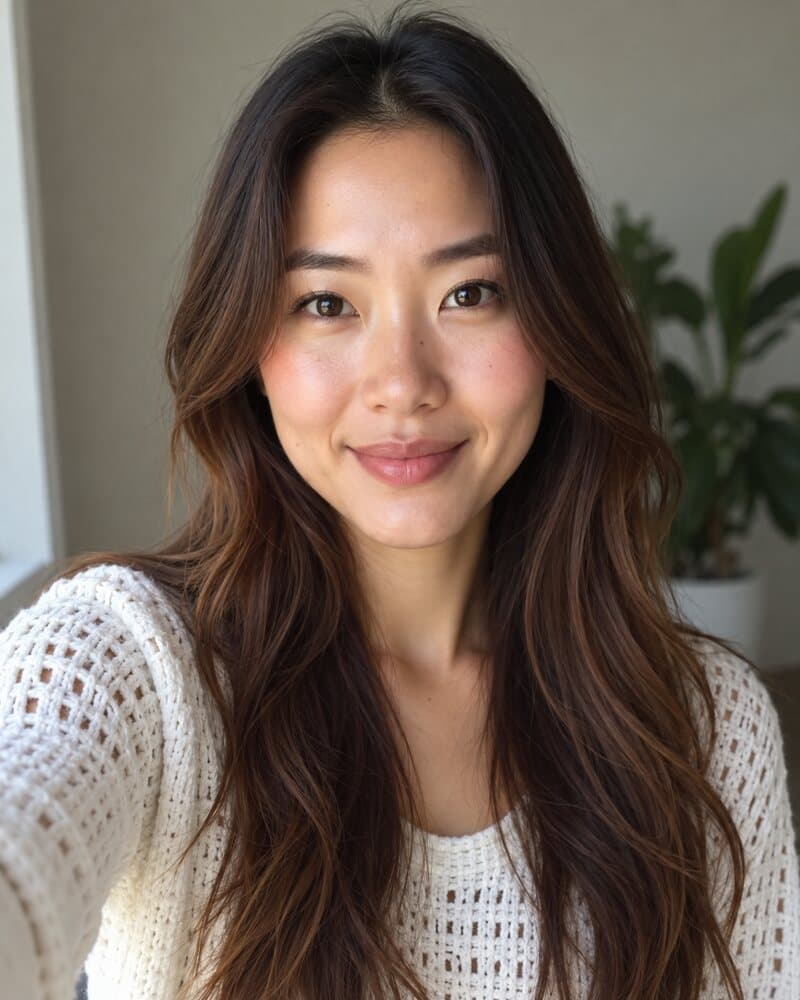
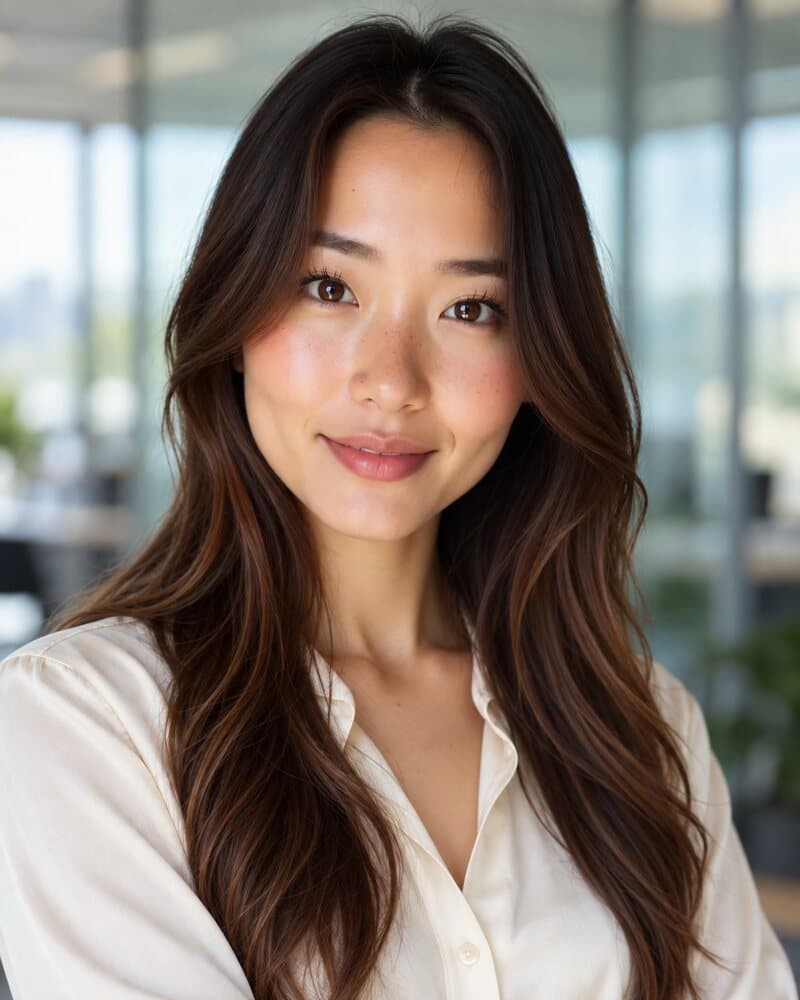
Upload a few selfies once and get studio headshots in the outfit and background your role calls for. No photographer, and your first 5 are free.
See AI LinkedIn headshotsEveryone pictured on this page is AI-generated. More free tools: Rate my dating profile · PFP maker · All free tools