
 AI profile picture maker
Free AI Profile Picture Maker
Professional & creative styles. Upload a selfie, pick a look, and download polished profile pictures for LinkedIn, resumes, and social media.
Drag and drop, paste a screenshot, or click to upload — no account needed to try styles. LinkedIn headshot tips
Upload a photo to create your profile picture
Drag and drop or click to select
Paste a screenshot with Ctrl+V (Cmd+V on Mac)
Supported: JPG, PNG, WEBP · Max file size: 10MB
How to create your profile picture with Headshot Generator AI?
Three simple steps from selfie to polished profile picture.
Upload your selfies
Drag and drop, paste a screenshot, or click to select. Use clear photos from your phone — no studio required.
Pick a style
Browse professional and creative looks. Choose the background, lighting, and vibe that fits your profile.
Generate and download
Sign in to create your model, generate in seconds, and save high-resolution profile pictures for LinkedIn and social media.
Want tips before you upload? See how to make a great LinkedIn headshot
Why make an AI profile picture
Better first impressions without the time, cost, or hassle of a traditional photo shoot.
Stand out on LinkedIn and social
A sharp profile picture builds trust before anyone reads your bio. Look approachable and professional in every feed and directory.
Skip the photographer
No booking, no commute, no waiting weeks for edits. Upload from your couch and get results in seconds.
Try dozens of styles
Headshot, urban cityscape, creative illustration, neon — explore looks you'd never get from a single studio session.
Affordable with a guarantee
Professional portraits from $9.99 with commercial rights included. Not satisfied? We refund your purchase.
New to LinkedIn photos? Read our LinkedIn headshot guide
Best AI profile picture styles
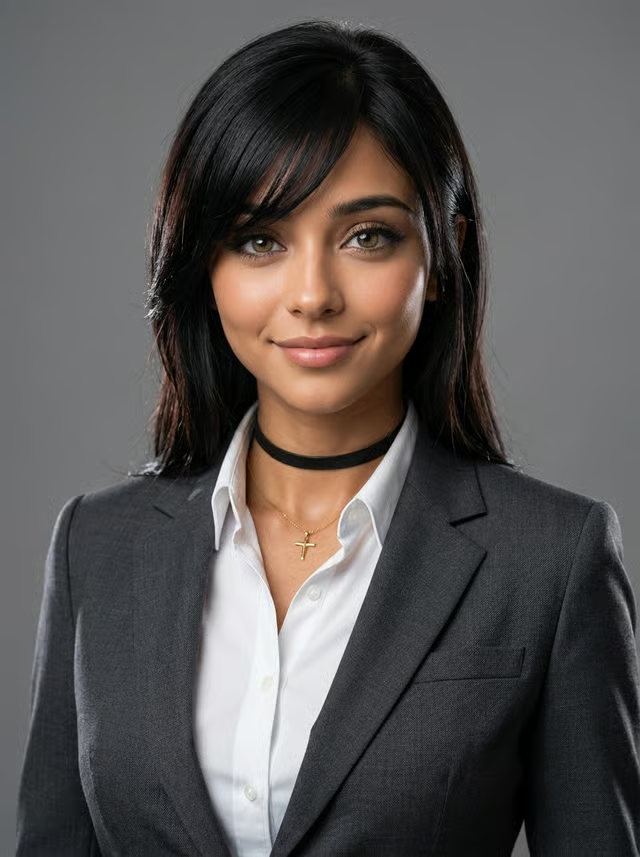
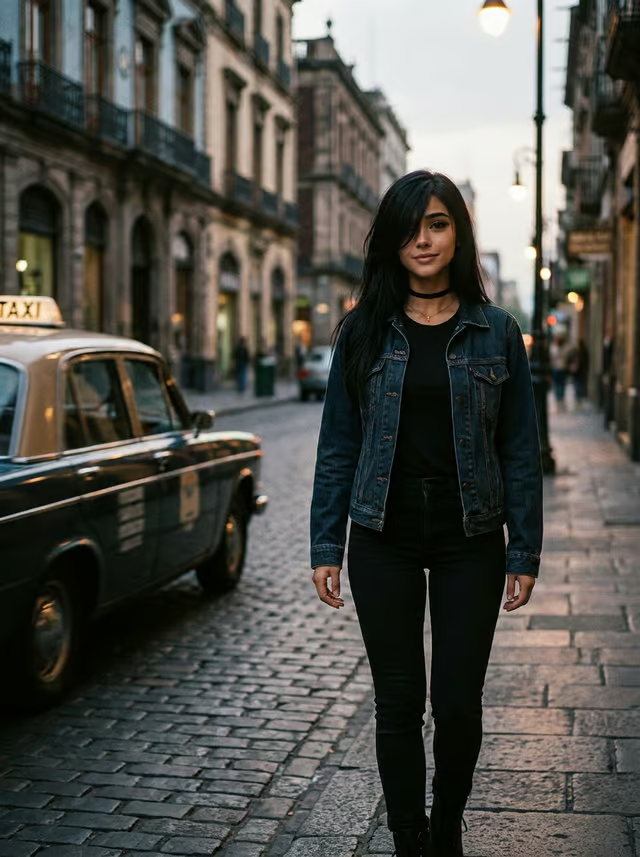
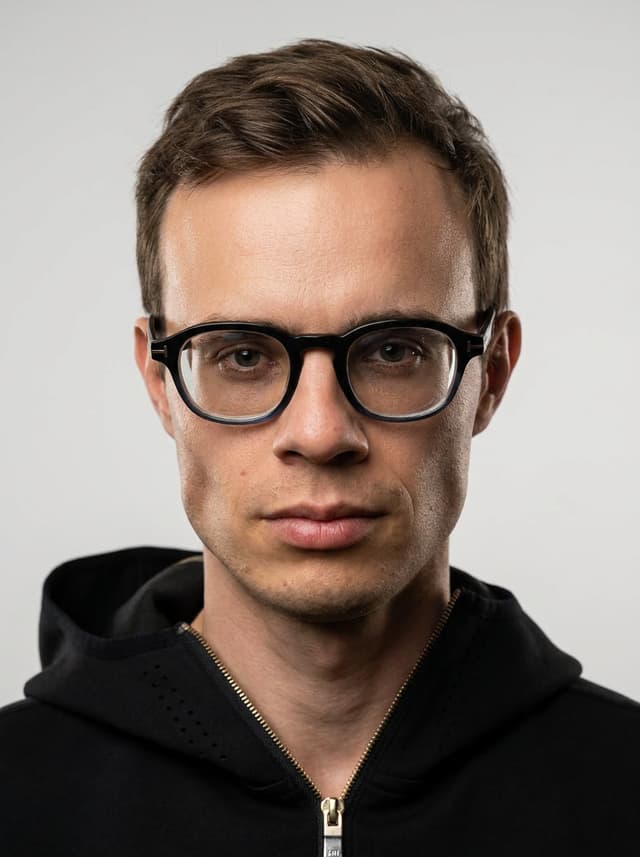
Professional headshots, textured backgrounds, urban scenes, and creative looks — pick a style and put yourself in it.
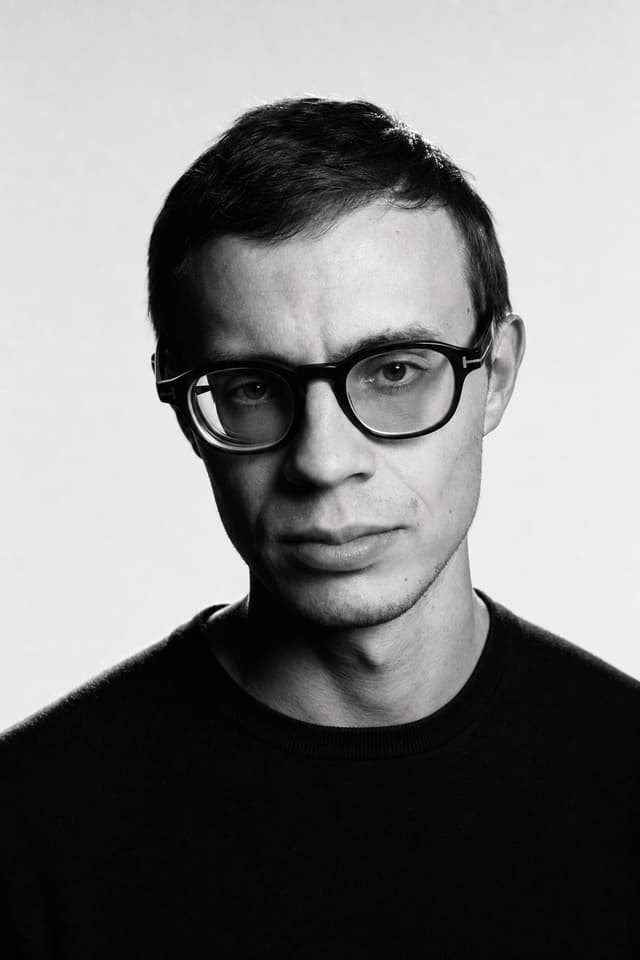
Chiaroscuro Noir Headshots
A high-contrast monochrome studio aesthetic that emphasizes facial architecture through hard lighting and grainy film textures.


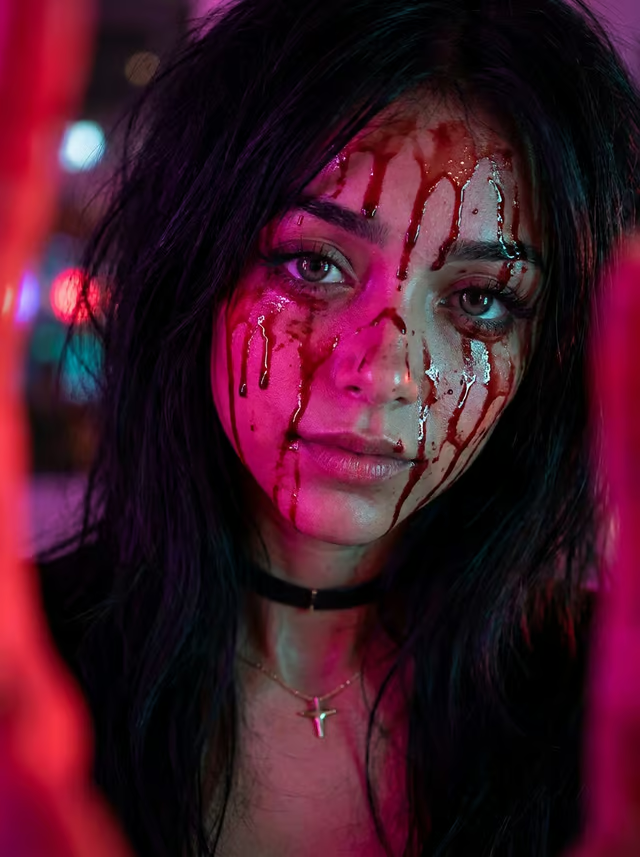

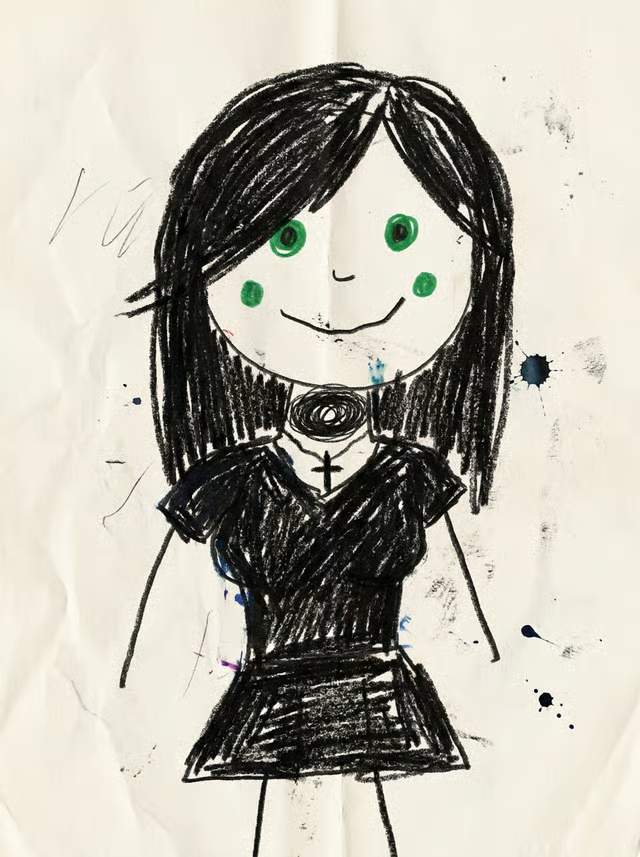
Bad Drawing
Transform polished reality into a gloriously messy, primitive drawing that looks like it was made with cheap markers and zero effort.
Frequently Asked Question
Everything you need to know about AI profile pictures.
Using your photo on LinkedIn? Read our LinkedIn headshot guide